
Virtual Keynote Format
How to produce a virtual keynote with Unreal Engine and LinkedIn Live.
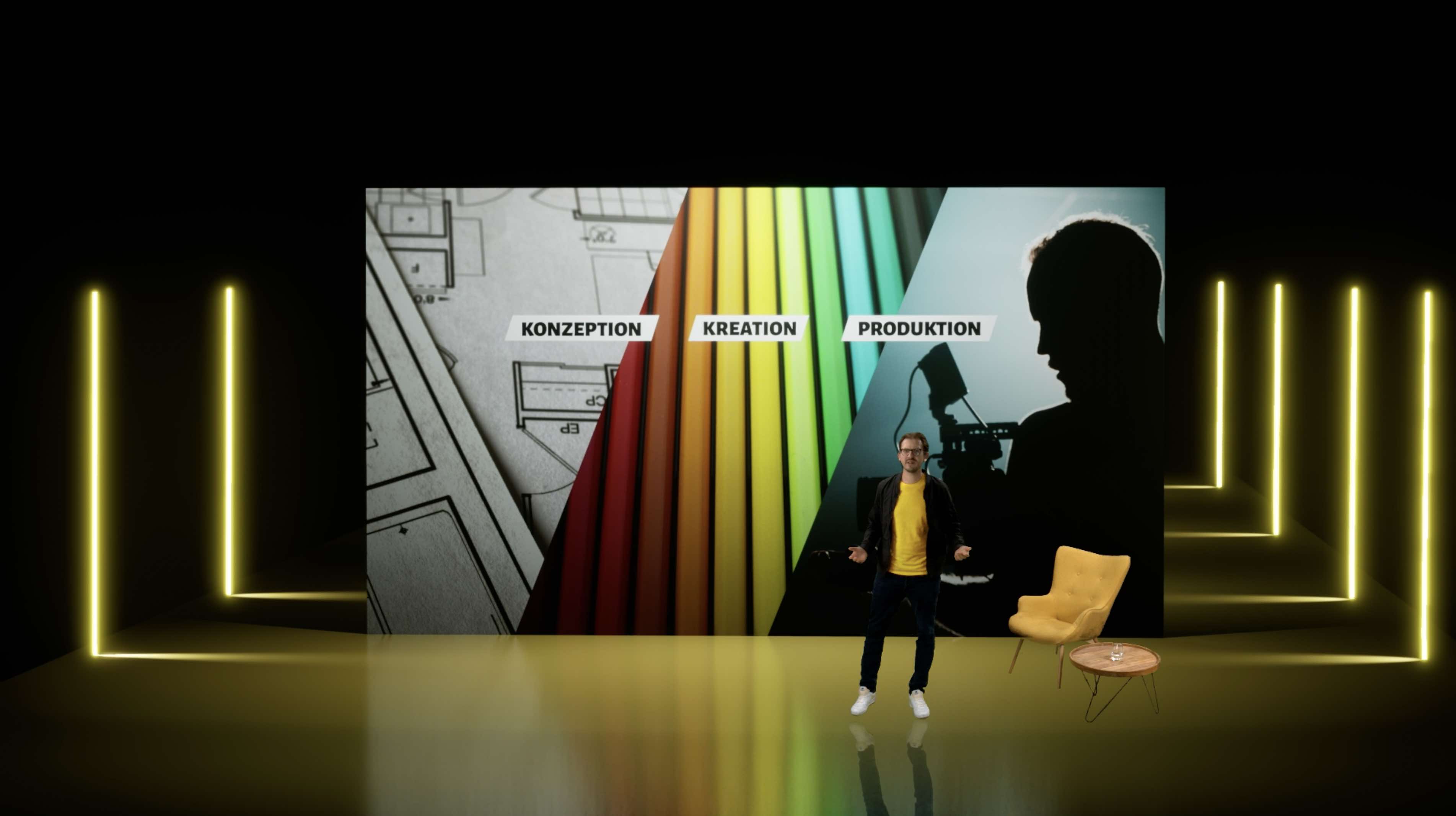
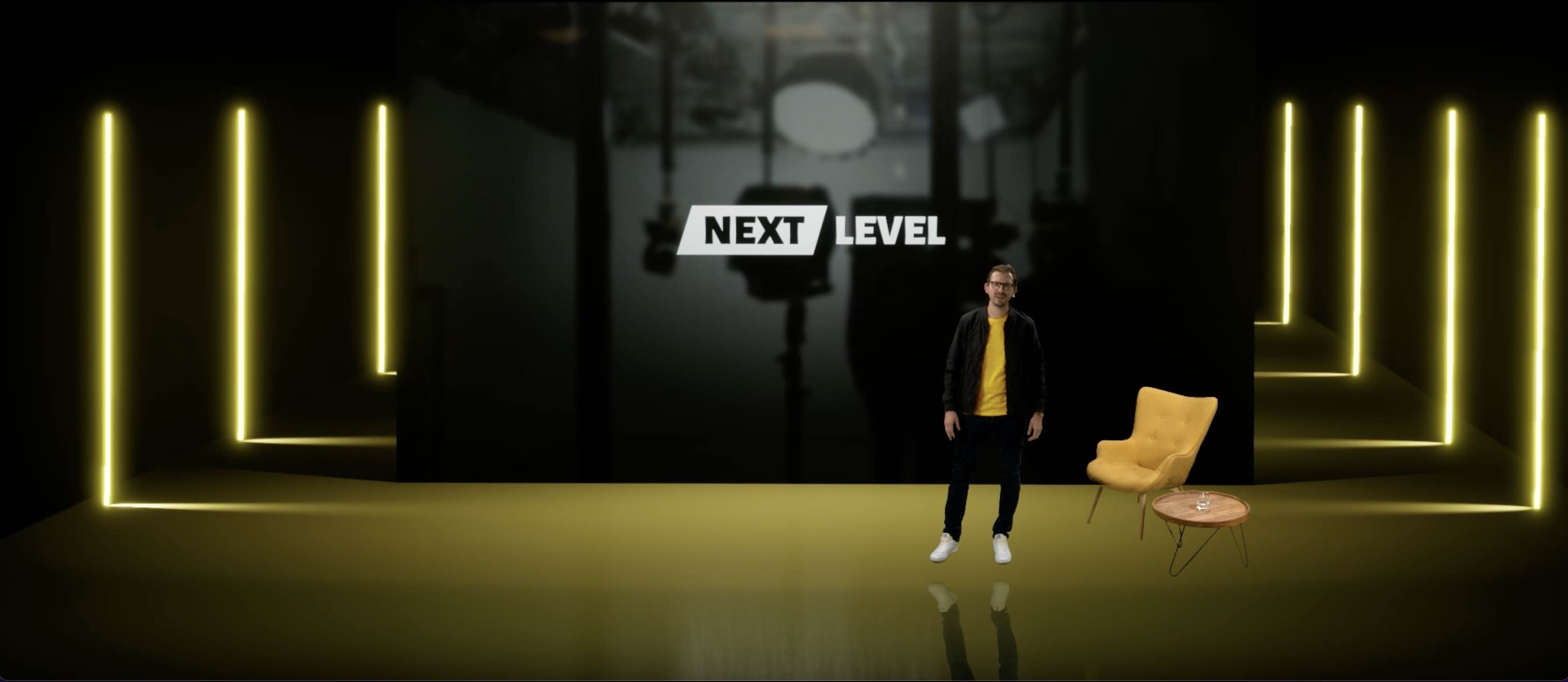
In search of new features and formats for your events or video productions, we launched our own live format in our Urban Studio. The goal of the production was to showcase the extensive possibilities of a virtual keynote format to viewers using our own content, while giving an overview of our Urban Studio, the control room and the available technology. For this, we developed a virtual stage matching the look of our corporate identity. This allowed us to demonstrate how atmospheric and interactive keynotes can be.
Virtual keynotes are far more than a pandemic-era stopgap. They offer companies the ability to deliver messages with a visual impact that is difficult to achieve on a traditional stage with physical sets. Through the combination of greenscreen technology, real-time rendering and professional live direction, a format emerges that can engage audiences both on-site and remotely in equal measure. In this article, we take you through the entire production process - from LinkedIn activation to the finished livestream.
LinkedIn Creator Mode Activation
To reach our media partners and clients directly, we decided to use the LinkedIn Live feature in Creator Mode. Unlike Instagram, Facebook & Co., LinkedIn has significant prerequisites for using Creator Mode. The following profile requirements were necessary (as of April 2022):
- 150+ followers/connections on your personal or company profile
- Regular posts published
- Compliance with community guidelines
- Successful application process for LinkedIn Live via LinkedIn Support (by email)
The application process demonstrated how important active usage is. The more popular and far-reaching your posts are, the higher the chance that LinkedIn Live will be activated quickly for you.
Tip for the application process: We recommend starting the application at least four to six weeks before the planned event. LinkedIn reviews the profile for activity, reach and community engagement. A well-maintained profile with regular video posts significantly increases the chances of quick activation. Additionally, the application should clearly communicate what type of live content is planned - LinkedIn favors professional, educational or industry-specific formats over purely promotional content.
Using LinkedIn Live with an External Encoder
Once LinkedIn Live has been activated, you can create and edit your event as a livestream. One difference from other streaming platforms caught our attention during event planning. The broadcast can only be tested via preview mode approximately 1 hour before the event starts. Anyone who has ever livestreamed knows that advance testing is necessary to check latencies, quality and streaming profiles. The short window of 60 minutes is somewhat tight from our perspective, but didn’t pose a major problem for the broadcast overall. The following settings need to be configured shortly before the event:
- LinkedIn Livestream Server Region
- RTMP Key
- Stream ID
Technical setup details: For the broadcast, we used an external hardware encoder that sent the program signal from our TriCaster directly to LinkedIn. The advantage over software encoders like OBS: hardware encoders offer a more stable connection, lower latency and don’t put additional load on the production computer. We streamed at 1080p resolution at 30fps with a bitrate of 6 Mbit/s - a good compromise between image quality and connection stability.
Another important point: LinkedIn displays livestreams in followers’ feeds and sends push notifications to users following the profile. This means the organic reach of a LinkedIn livestream is typically significantly higher than that of a pre-recorded video. This reach advantage should definitely be considered when choosing a platform.
Virtual Design with Unreal Engine
For the virtual stage design, we opted for a deliberately reduced but impactful design language:
- Black and Yellow - matching our corporate design
- Dark to emphasize focus on the keynote and speaker
- Spatial depth through multiple layers and perspective elements
- 3 Cameras for dynamic shot changes
The design philosophy behind the virtual set: When designing virtual stages, one central principle applies - less is more. An overloaded virtual set distracts from the content, while a well-designed, minimalist background puts the speaker center stage. We worked with subtle lighting effects and animated elements that give the set depth and vitality without drawing attention away from the presentation.
The three camera positions were strategically chosen: a wide shot for overview, a medium shot for presentation mode, and a close-up for emotional moments and key statements. Each camera position had its own customized virtual set that optimally supported the respective perspective. In Unreal Engine, we could individually adjust the lighting for each camera setting - an enormous advantage over physical sets, where lighting changes are considerably more complex.
Automated Sequences with Teleprompter Script and TriCaster Layouts
We broke completely new ground with the use of the Teleprompter function via the NewTek TriCaster Elite 2. The goal of this feature was twofold: to give the keynote a clear narrative thread through a pre-produced script, and to perfectly pre-plan camera, layout and video inserts to match the spoken word. Using a teleprompter requires some practice, but it’s a very attractive option for more complex and time-sensitive presentations. From our own experience, we can say the investment pays off and many moderators and speakers are grateful for its use. Especially because it virtually eliminates incorrect statements or text errors.
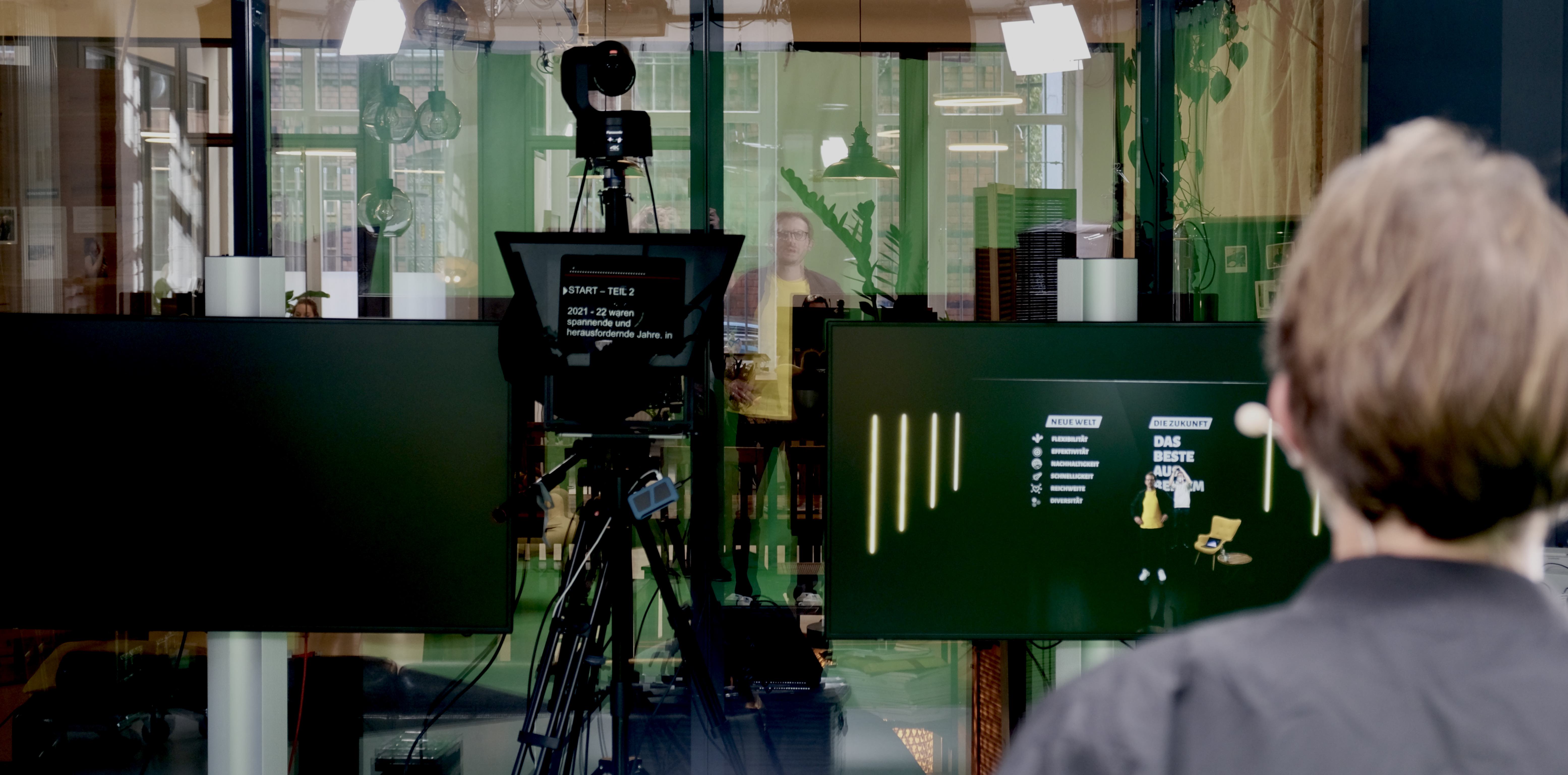
In our daily work, we use custom layout layers via our NewTek TriCaster (NewTek calls these layers M/E layers). This programming is necessary to combine different audiovisual media - whether live or pre-recorded. This allows us to combine a camera with a logo, create layouts for virtual connections (via Zoom, WebEx & Co) or, as in our case, combine greenscreen keying with Unreal Engine backgrounds.
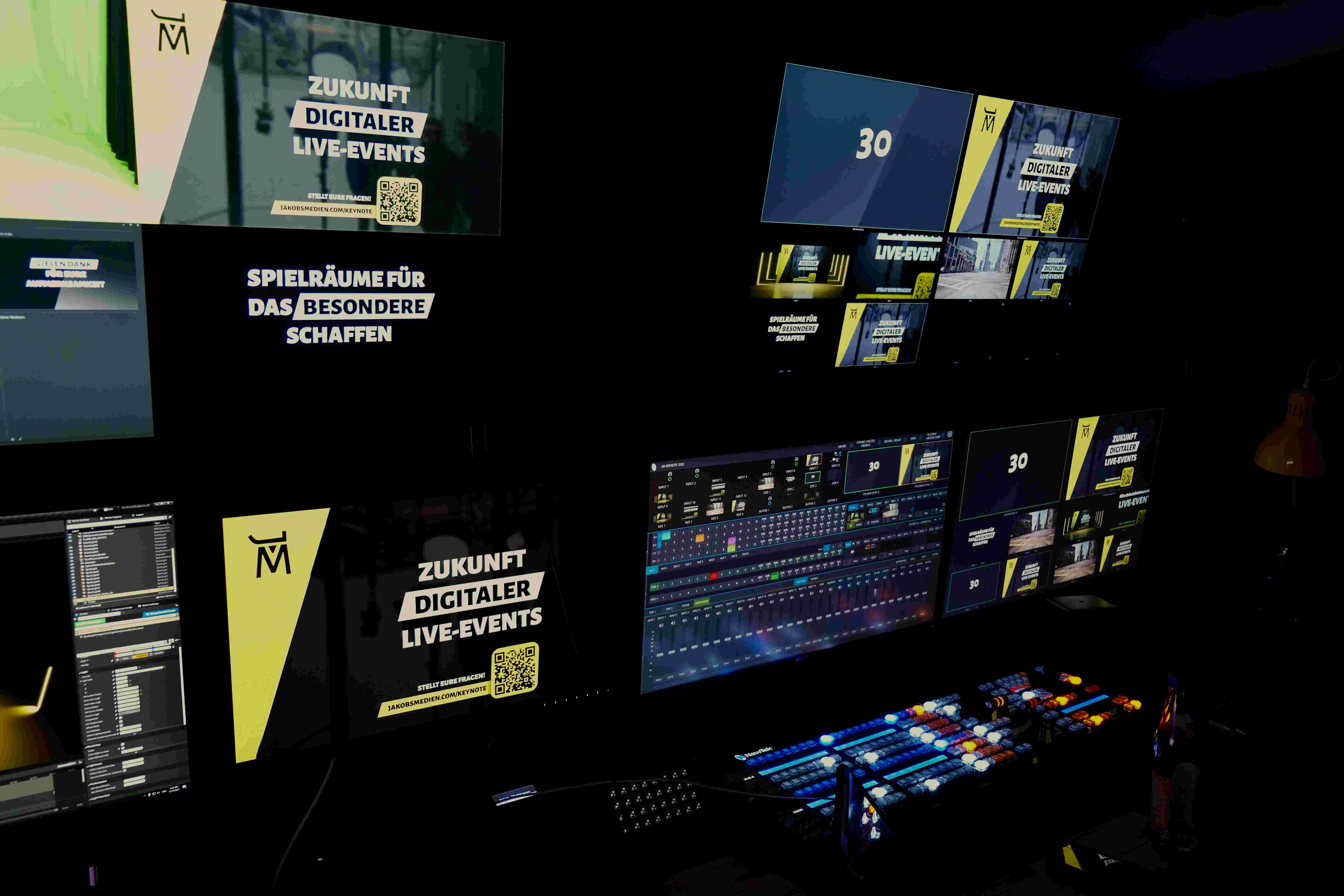
Through the combination of Teleprompter + Layout layers, we see immense added value for professional and reliable live production. In practice, the combination of features works as follows:
- Program cameras, designs, videos and M/E layouts in the NewTek TriCaster and create macros where needed
- Create the script in Microsoft Word and add the NewTek TriCaster layout name via the comment function at the desired text position
- Import the script into TriCaster and start the automated show by launching the teleprompter
Why this automation is critical: In a classic live production, the director must manually trigger every camera switch, every insert and every layout. In a keynote with many scenes and rapid transitions, this is error-prone and requires the highest concentration. By linking the teleprompter script with TriCaster layouts, a large portion of these decisions are automated. The director can focus on fine-tuning while the basic structure of the show runs automatically. The result is a significantly more consistent and professional production.
Live Keynote | Replay
Results and Learnings from the Production
The LinkedIn Live keynote provided us with valuable insights for future productions. During the livestream, we recorded a consistently high engagement rate: the average watch time was significantly above the LinkedIn average for video content. The interactive moments in particular - questions from the chat that were picked up live - generated peaks in viewer participation.
What we learned:
- Plan lead time: LinkedIn Live’s limited test window requires all technical systems to be fully set up and internally tested before the 60-minute mark. We recommend completing the entire technical setup at least three hours before the event.
- Actively manage engagement: A dedicated community manager who monitors the chat and relays questions to the speaker is essential for LinkedIn Live. The platform rewards interaction with higher visibility in the algorithm.
- Plan for repurposing: The recorded livestream remains as a video on the profile and continues to generate views after the event. It’s worth splitting the content into shorter clips and repurposing them as standalone posts.
- Redundant internet connection: For professional livestreams on LinkedIn, we strongly recommend a backup internet connection. A connection drop during the stream is the worst case scenario and can be easily avoided with a second line.
Audiovisual Content
Behind the Scenes
To give viewers a deeper insight into the workflow of a live production, we decided to show the control room via an additional camera at the beginning of the show. A look behind the scenes is always interesting and a genuine passion for many film and show fans. It also effectively demonstrates the effort in terms of personnel and technology and creates real informational value.
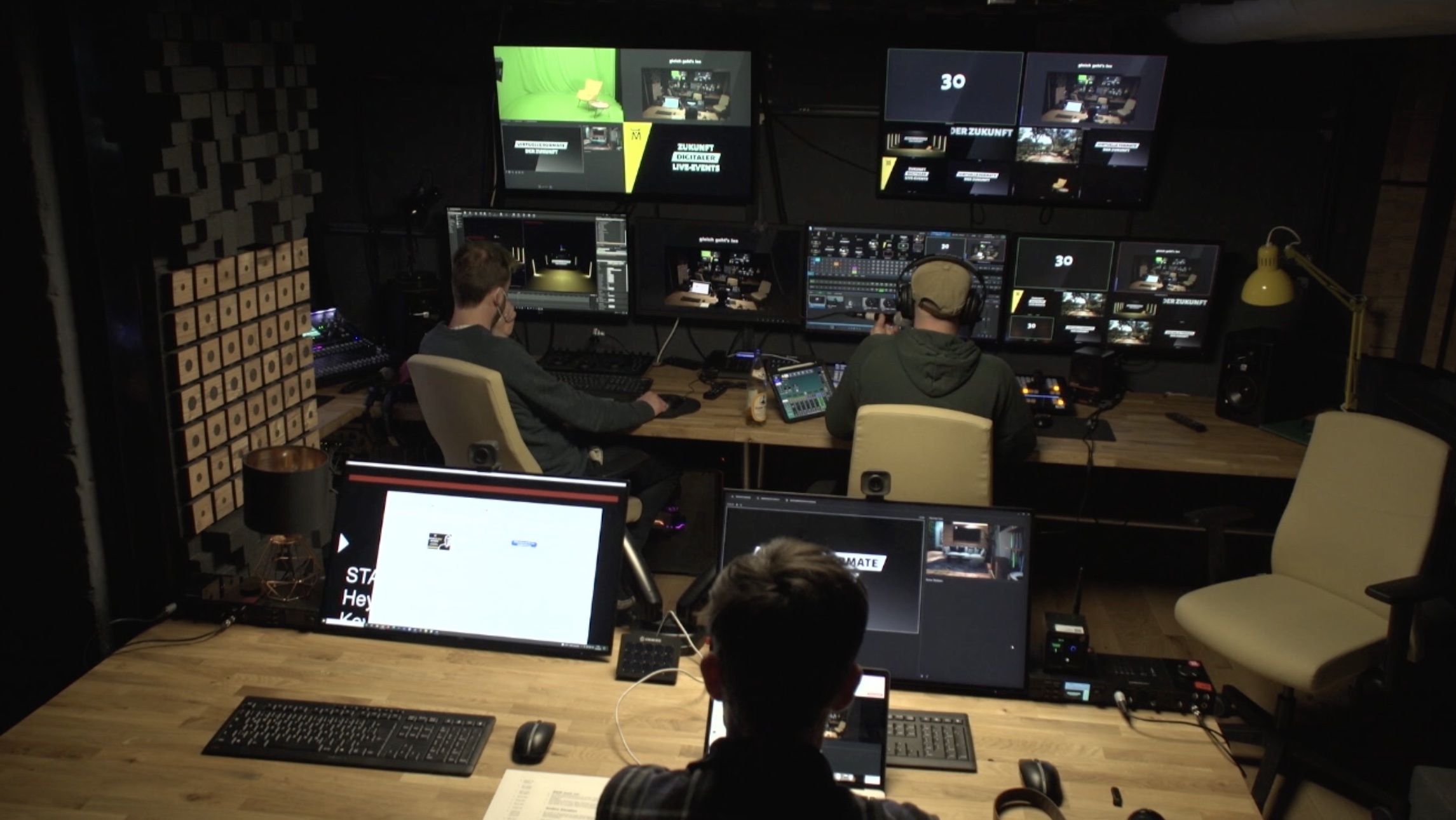
The backstage view serves multiple functions: it demonstrates the professionalism of the production, creates transparency for potential clients and gives the livestream an additional visual layer. In our case, we started with the control room view and then zoomed into the virtual set - an elegant transition that immediately captured viewers’ attention.
Intros, Video Inserts and Motion Design
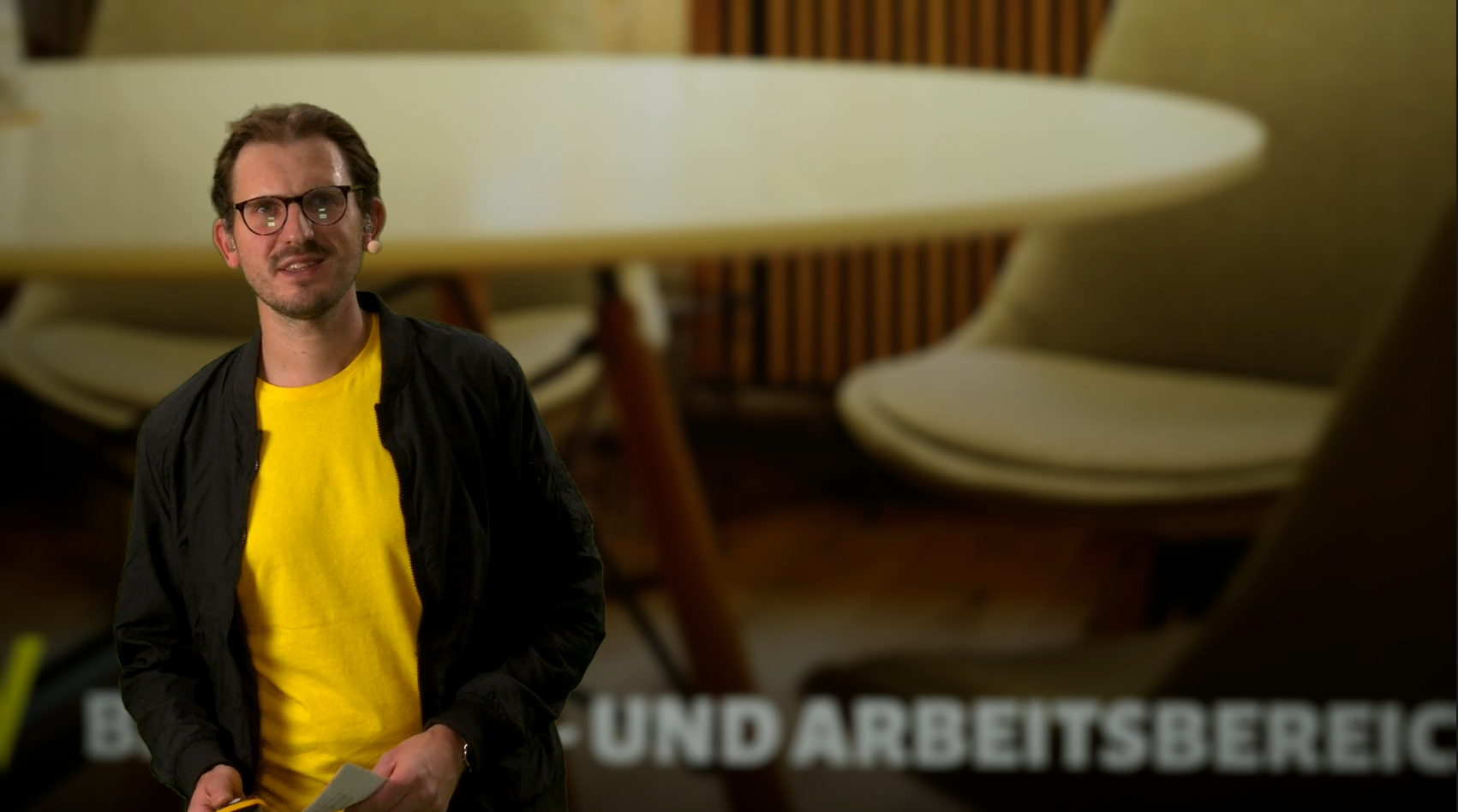
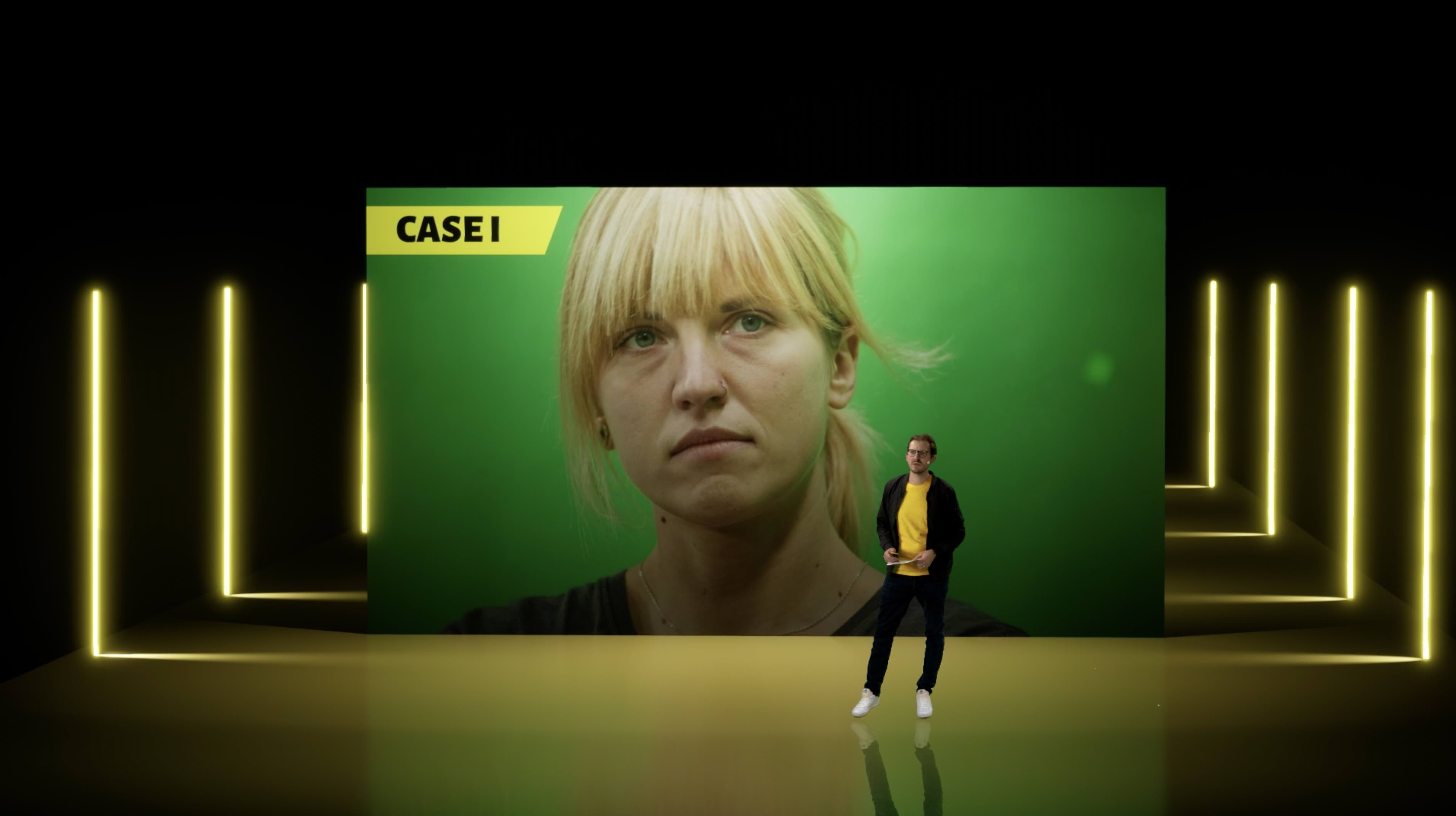
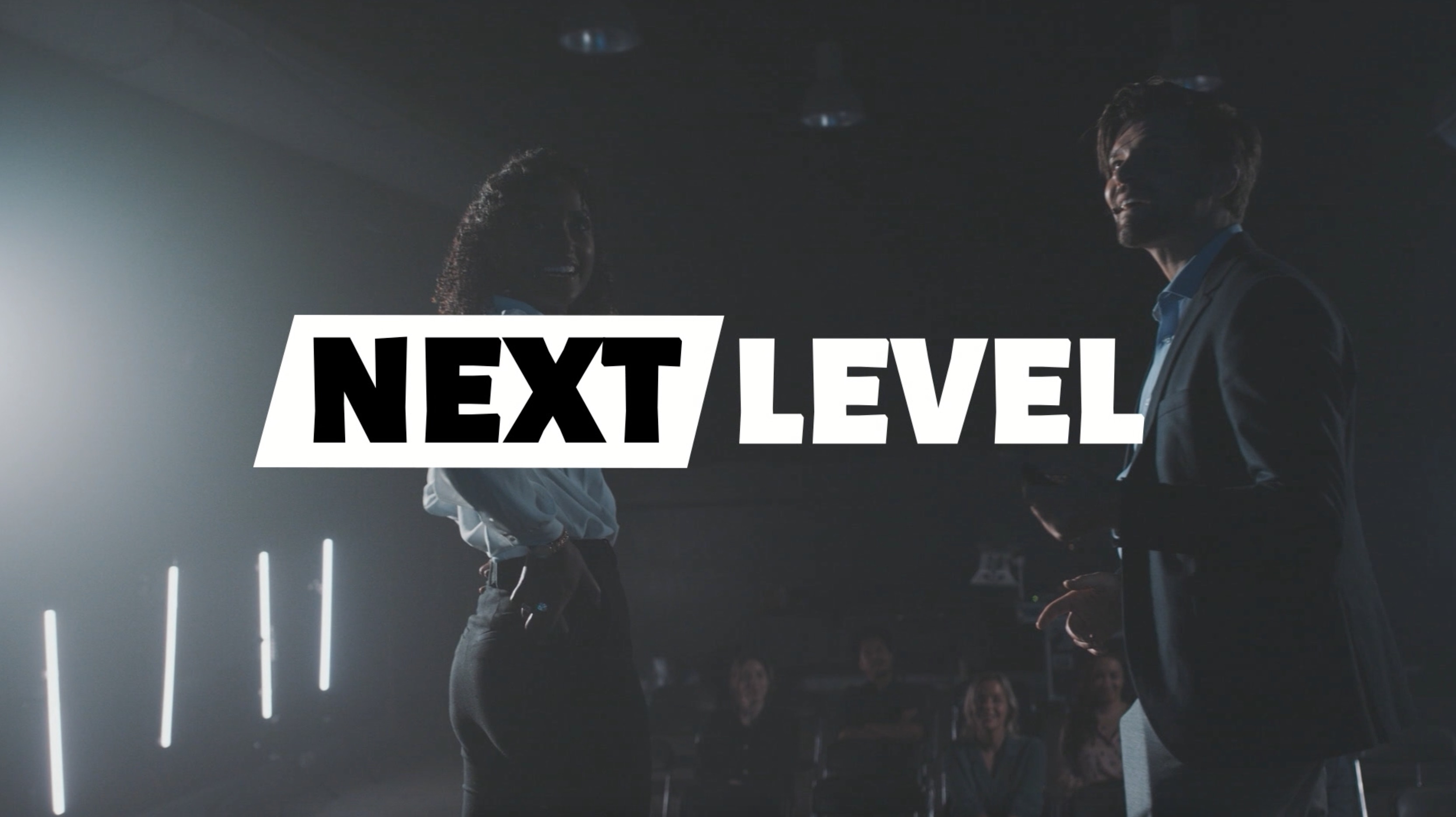
To make a keynote as engaging as possible, we equipped the individual chapters with custom video elements. The livestream starts with a countdown including fitting music, followed by a lower third with the speaker’s name (in this case our CEO Nicolai Jakobs) and further audiovisual elements for individual chapters of the show. The pre-produced Urban Studio video integrated perfectly with the keynote and started at the right moment during the product introduction as an emotional audience activation. The slides on screen in our scenario were a mix of PNG image sequences and classic PowerPoint presentations.
Who Is the Virtual Keynote Format Suitable For?
The format we developed is particularly suited for companies and organizations that want to take their communication to the next level. Typical use cases include:
- Product launches: A new product deserves a stage that is just as innovative as the product itself. Virtual sets can perfectly reflect brand identity and showcase the product.
- Corporate communication: Quarterly reports, strategy updates or town hall meetings become significantly more engaging and professional through virtual keynotes.
- Conferences and expert talks: Speakers can deliver their content much more effectively with dynamic backgrounds, overlaid data and visual storytelling elements.
- Employer branding: Virtual keynotes are excellent for demonstrating your company culture and technological competence to the outside world.
The investment in a professional virtual keynote format pays off especially when the content is intended for multiple uses: as a livestream, as on-demand video, as social media clips and as the basis for further marketing materials. This way, a single production day becomes an entire content ecosystem.